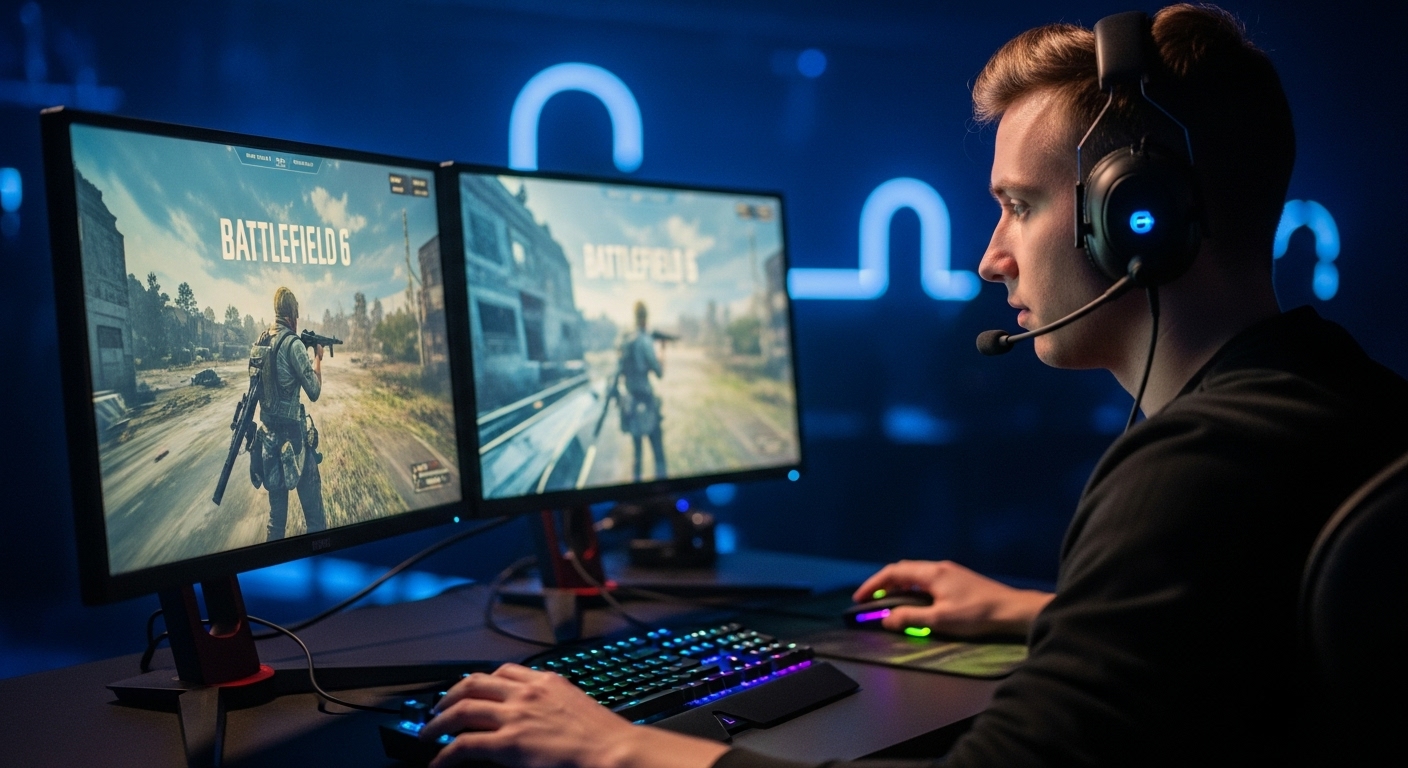
I’ve played Battlefield long enough to know gear matters more than people think. In a highly competitive match, milliseconds determine whether you win or reappear. Best Gear for Battlefield 6 takes that a step further with its larger maps, more intense gun recoil, quicker firefights, and general destruction. You will notice it immediately if your setup is not up to speed.
So, let’s talk about real, tested and esports-ready gear. This isn’t some flashy ad-style list. It’s what actually makes a difference in Best Gear for Battlefield 6 when the action gets loud and messy.
Why Gear Matters in Battlefield 6
Battlefield 6 isn’t a casual shooter. It’s built for massive battles and high performance. Every frame, every input counts. You’ll notice a big gap between standard gaming gear and esports-tier hardware.
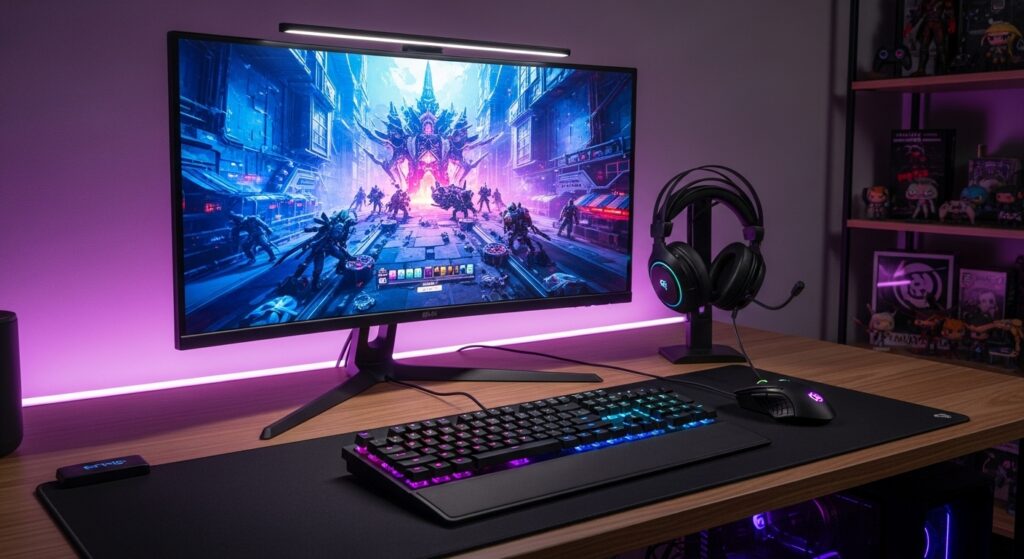
I’ve seen players with top aim lose fights because of input lag, slow displays or bad audio positioning. Gear doesn’t make you a pro, but it clears every technical excuse off the table. It lets your skill breathe.
Best Gear for Battlefield 6 Esports: Competitive Setup Basics
Let’s start with some essentials, for esports or competitive play. Your basic setup needs three main things:
| Category | Key Focus | Why It Matters |
|---|---|---|
| Display | High refresh rate (144Hz–240Hz) | Smoother motion and faster response |
| Input | Low latency keyboard & mouse | Faster reactions, tighter control |
| Sound | Clear positional audio | Knowing where shots come from instantly |
If you get these three right, everything else builds on top smoothly.
Monitors: Clarity and Speed Over Size
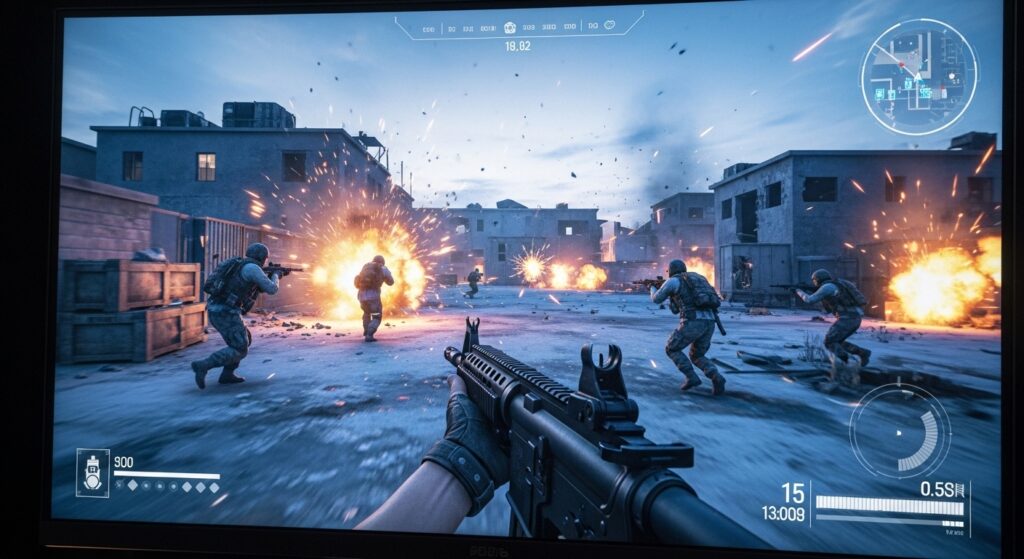
Forget the big screens, they look great just for movies not for Battlefield 6 esports. Not attraction, but speed is what you need. The perfect size could be a 24 or 27 inch display coupled with refresh rate of minimum 144 Hz along with response time of 1 ms.
Some excellent choices that fulfil esports standards are:
| Monitor | Refresh Rate | Response Time |
|---|---|---|
| Dell Alienware AW2725Q | 240Hz | 0.03ms |
| Asus ROG Swift PG27AQDP | 480Hz | 0.03ms |
| Gigabyte FO32U2 Pro | 240Hz | 0.03ms |
If your budget is low, then go for a 144Hz 1080p model. You don’t need 4K here, it just adds input delay.
Mouse and Sensitivity Setup
This is where personal preference matters. Some players love light mice for quick flicks, others need heavier control. I prefer something around 70–80 grams with adjustable DPI, around 400–800 DPI for Battlefield.
Best Gaming Mouse for Battlefield 6:
| Mouse | Weight | Sensor | Notes |
|---|---|---|---|
| Logitech G Pro X Superlight | 63g | HERO 25K | Reliable, used by many pros |
| Razer Viper V2 Pro | 58g | Focus Pro 30K | Feather-light, accurate |
| Glorious Model O | 67g | BAMF sensor | Great grip and speed |
Battlefield’s recoil control feels smoother with a lower DPI setup. Combine that with a large mousepad and consistent arm movement. You’ll thank yourself later.
Keyboards: Mechanical and Responsive
Don’t get tricked by RGB lights, speed and reliability are what count. Go for a mechanical keyboard with fast switches like linear (red) or optical. Esports players often use tenkey less (TKL) layouts to free mouse space.
Top Esports Keyboards for Battlefield 6 Players:
| Keyboard | Switch Type | Form Factor | Notes |
|---|---|---|---|
| SteelSeries Apex Pro TKL | Adjustable | TKL | Custom actuation, perfect balance |
| Wooting 60HE | Analog | 60% | Smooth analog movement |
| Razer Huntsman V2 | Optical | Full | Consistent and durable |
Mechanical keyboards help you input faster and avoid double presses. You’ll feel the difference the first time you spam reload mid-fight.
Headsets and Sound Positioning
Battlefield 6 has impressive sound detail, you can hear everything from quiet footsteps to loud tank noises. Each sound helps you figure out where the action is, giving you a real advantage during intense battles.
That’s why solid headphones matter. Go for closed-back headsets with crisp, directional sound so you can track enemies clearly and stay one step ahead.
Recommended Headsets for Battlefield 6:
| Headset | Type | Key Feature |
|---|---|---|
| HyperX Cloud II | Wired | Balanced sound and comfort |
| SteelSeries Arctis Nova Pro | Wireless | Clean mids, good mic quality |
| Logitech G Pro X | Wired | Tuned for FPS accuracy |
Avoid flashy “bass-heavy” ones. In Battlefield 6 competitive gaming, clarity beats boom.

Controllers vs Mouse & Keyboard
For PC, mouse and keyboard dominate in precision. But controller players hold their own, especially with smart layouts and trigger stops.
If you’re on console, go for something customizable:
- SCUF Reflex (for PS5): remappable paddles, great triggers.
- Xbox Elite Series 2: elite feel, swappable sticks, tight tension.
Use short stick tension for faster aim transitions, reduce dead zones in the menu and test each tweak in custom matches before tournaments.
Battlefield 6 Loadout Optimization
Hardware matters, but ideas settings matters the most even with good gear. The right battlefield 6 best settings can boost FPS and accuracy.
| Setting | Recommended Value | Why |
|---|---|---|
| Field of View | 90–100 | Wider vision, better awareness |
| Motion Blur | Off | Keeps view clear in fights |
| V-Sync | Off | Reduces input lag |
| Texture Quality | Medium–High | Balance clarity and FPS |
| Anti-Aliasing | TAA Low | Smooth edges, less frame drop |
You’ll see instant performance gains with small tweaks. FPS matters more than eye candy.
Reducing Input Lag
Lag kills aim, especially when frames drop during gunfight. A few habits keep things smooth:
- Plug gear directly into motherboard ports.
- Turn off background apps like Discord overlays.
- Enable Game Mode on Windows.
- Use DisplayPort, not HDMI, for your monitor.
- Keep GPU drivers updated.
These small steps easily shave off 10–20ms. That’s the edge pros chase.
PC Specs That Handle Battlefield 6 Like a Pro
You don’t need the newest RTX 5090 monster CPU to play well. Just balance CPU and GPU properly.
| Component | Recommended | Notes |
|---|---|---|
| CPU | Intel i7-12700K / AMD Ryzen 7 5800X | Strong for large maps |
| GPU | RTX 4070 / RX 7900 XT | Stable 144+ FPS at 1080p |
| RAM | 32GB DDR5 | Smooth multitasking |
| SSD | 1TB NVMe | Faster map loading |
Keep temps below 80°C during long sessions. High heat causes frame dips you can’t afford during esports matches.
Communication Gear: Team Coordination
Voice comms can win or lose matches. Use a dedicated USB mic if you stream or compete seriously. Your teammates must hear you clearly.
Top picks:
- Blue Yeti (USB, plug-and-play)
- Elgato Wave 3 (clean filters)
- HyperX QuadCast S (built-in pop filter)
If you’re using headset mics, test them in Discord before scrims. Clear communication builds better team rhythm.
Gaming Chairs and Endurance Setup
Esports sessions can last hours. A bad chair wrecks focus. Pick one with lumbar support and breathable fabric.
- Secretlab Titan Evo: best for long sessions.
- DXRacer Air Mesh: stays cool in hot setups.
- Razer Enki Pro: smooth recline and neck support.
Even better, stretch between matches. No chair saves you from bad posture.
Battlefield 6 Esports: Pro Player Insights
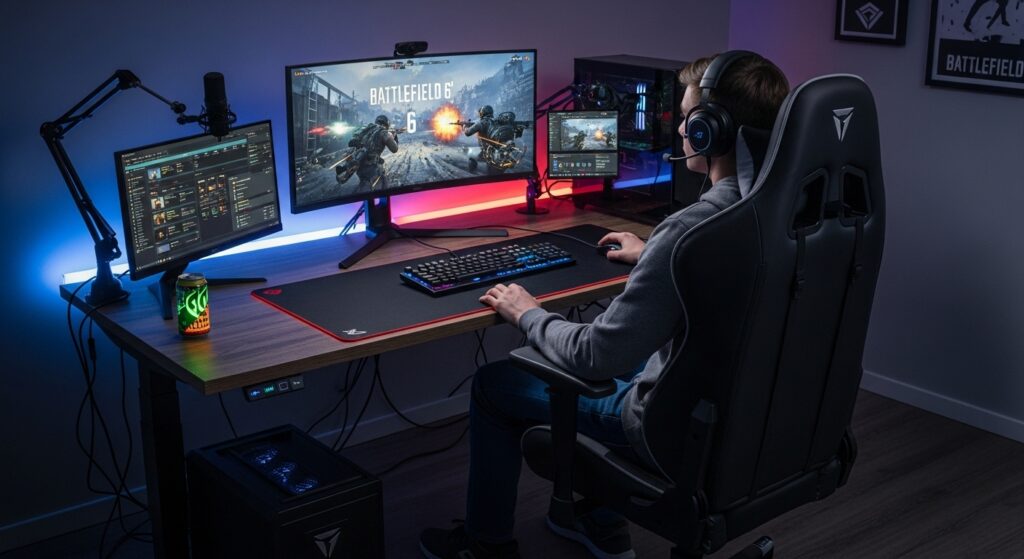
I’ve talked to a few competitive players about their setups. Almost all said the same thing, consistency over luxury. They don’t swap gear often. Once they find what feels right, they stick to it for years.
The best pros don’t obsess over flashy specs. They care about comfort, control, and reliability. Every mouse click, every sound cue, every frame should behave exactly as expected.
That’s what separates practice from performance.
Battlefield 6 Tournament Setup Checklist
Before your first serious match, run this checklist:
- Test FPS stability in practice matches.
- Clean mousepad and adjust DPI.
- Check comms volume.
- Disable background apps.
- Back up settings config.
- Sleep well. Hydrate. It’s still a human game.
FAQs
Q1: What is the ideal monitor setup for Battlefield 6 esports?
A 24–27 inch monitor with at least 144Hz refresh, 1080 resolution and 1ms response is ideal.
Q2: What’s the best mouse sensitivity for Battlefield 6?
Around 400–800 DPI with low in-game sensitivity feels most natural for precise aim.
Q3: How can I improve FPS performance?
Lower shadows, turn off motion blur, and use performance mode in your GPU panel.
Q4: Is Battlefield 6 optimized for esports tournaments?
Yes. It supports custom lobbies, competitive balancing, and solid frame optimization.
Q5: What accessories improve team play?
Clear headset mics, low-latency gear, and ergonomic setups help most during long sessions.
Kashif Amin | Your source for Esports, Battle Royale, Role-Playing, Retro Games, and Gaming Gear. Let’s Enjoy!